
A coding agent that works inside your projects
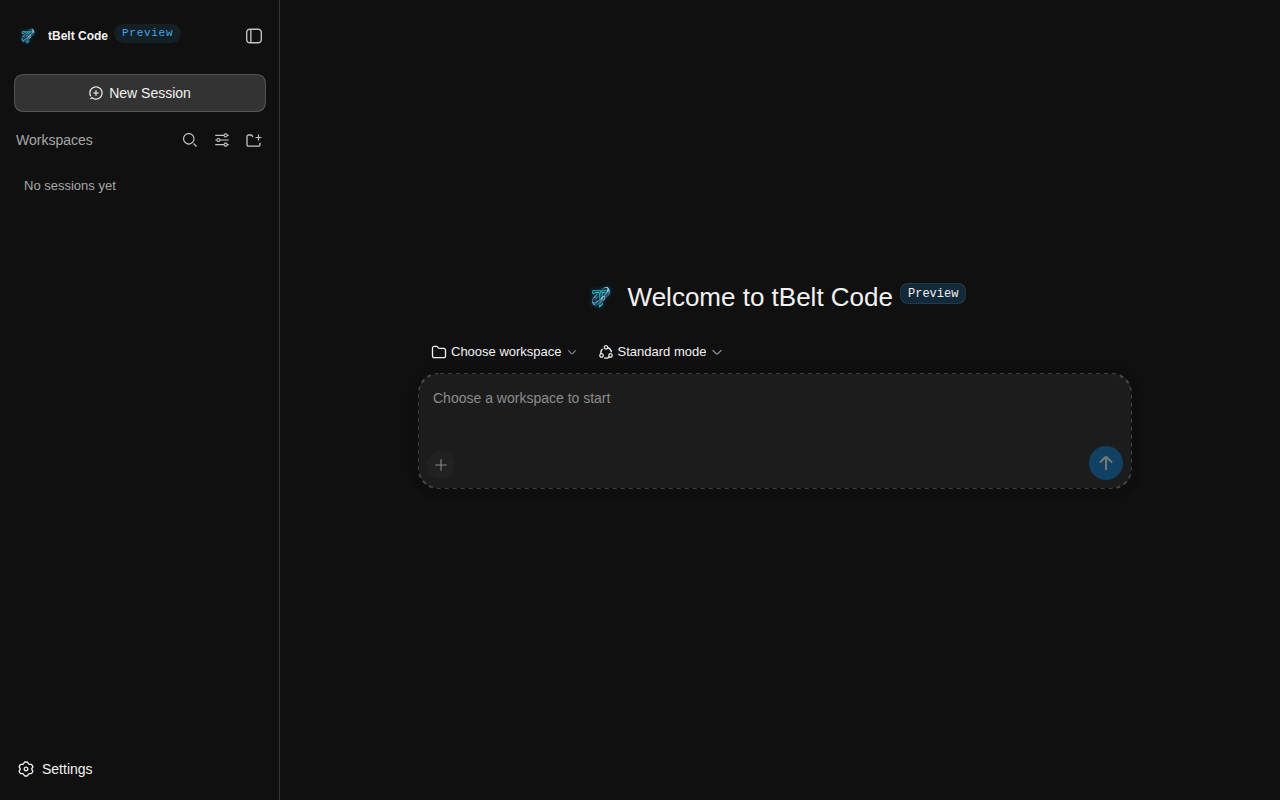
tBelt Code reads your code, edits files and runs commands in a sandbox on your own machine. You decide what each session is allowed to touch.
Free for Windows, macOS and Linux.
The login form accepts an empty password. Find out why and fix it.
- grep
password src/auth4 matches - read
src/auth/validate.ts - edit
src/auth/validate.ts+3 -1 - bash
npm test -- auth12 passed
validate.ts checked that the field existed, so an empty string got through. It now rejects blank passwords, and there is a test for that case.
What it does
- Works through the task
- It searches and reads your code, edits files, then runs your tests or build to check the change. Each step shows up in the session as it happens.
- Runs commands in a sandbox
- Commands run inside the operating system's sandbox. Pick Read Only, Workspace Write or Full access for each session.
- Keeps your sessions
- Sessions are saved per workspace. Open an old one to continue, search through them, or archive the ones you are done with.
- Connects to your tools
- Add MCP servers, skills and plugins from the settings.
- Splits up large jobs
- Hand parts of a task to subagents, and save agent presets for the kinds of work you repeat.
- Stays up to date
- On Windows and Linux the app checks for new versions and tells you when one is out. One click downloads it and restarts into the new version. On macOS, download the new version from this page.
Download
-
Windows
Windows 10 or 11, 64-bit
Checking for the latest version
Download .exeIf Windows shows "Windows protected your PC", choose More info, then Run anyway.
-
macOS
macOS 12 or later, Apple silicon
Checking for the latest version
Download .dmgOpen the disk image and drag tBelt Code into Applications. The first time you open it, macOS blocks it: go to System Settings, then Privacy & Security, and choose Open Anyway.
-
Linux
AppImage, x86-64. Runs on Ubuntu, Debian, Fedora, Arch and most other distributions.
Checking for the latest version
Download AppImageMake it executable, then run it:
chmod +x tbelt-code-*.AppImage && ./tbelt-code-*.AppImage
tBelt Code works with the model of your choice. Add an API key from your model provider under Settings, then Models.